Games › 📚 Education › Typing Trainer
Typing Trainer
Type the text that appears as fast and accurately as you can. In 60 seconds, push your typing speed (WPM) and accuracy as high as possible!
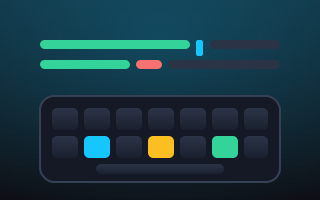
Typing Trainer is a quick, practical way to measure and sharpen your keyboard speed. A line of text appears on screen, and your job is to reproduce it exactly against a 60-second clock. Correct letters light up green and mistakes flash red, giving you constant feedback as your words-per-minute and accuracy tick along in real time.
How to play
Type the displayed line on your keyboard as precisely as you can; the highlighted character shows what comes next. On a phone, tap the text area to bring up the on-screen keyboard, then type. Use Backspace to delete and correct slips. When the 60 seconds run out, you're scored on WPM — counted as correctly typed five-character words per minute — alongside your accuracy.
Tips
- Accuracy beats raw speed — every wrong keystroke drags your final accuracy down, so slow down slightly if you're making errors.
- Keep your eyes on the highlighted character instead of the keys to stay in flow.
- Fix mistakes promptly with Backspace rather than letting them pile up.
- Warm up with easier text, then push your pace once your fingers find a rhythm.
Want more word and letter practice? Unscramble tiles in Anagram Scramble or deduce the hidden word in Word Guess.
Objective
Retype the line shown exactly. Correct characters turn green, wrong ones turn red. Type as many correct words as you can in 60 seconds.
Controls
- Type on your keyboard
- On phone: tap the text area to bring up the keyboard, then type
- Backspace to delete and fix
Tips
- Accuracy matters more than speed — mistakes drag your accuracy down
- Watch the highlighted character to know what comes next
- WPM = correctly typed words (5 chars each) per minute